Boldt Castle Wallpapers, 1280×800
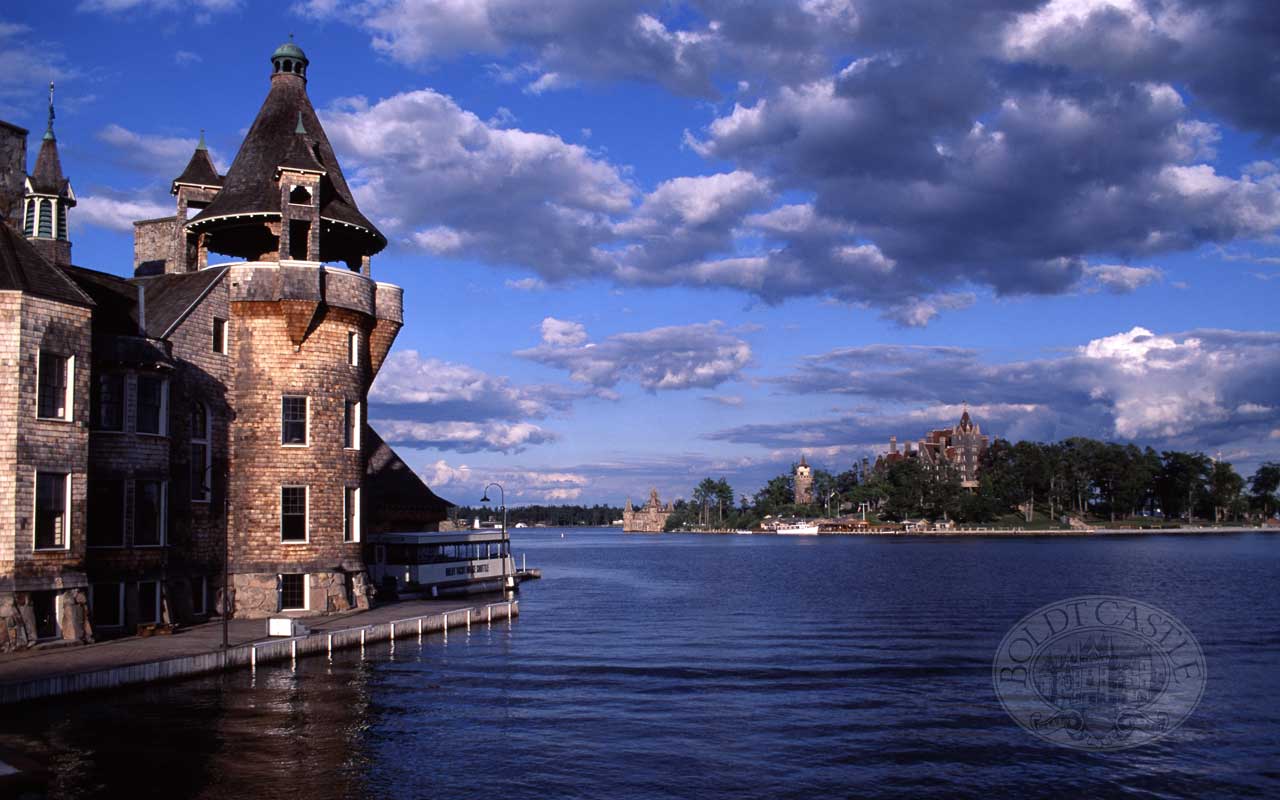
INSTRUCTIONS FOR USING WALLPAPER:
PC Users: Click on the photo below that you’d like to have as your computer desktop wallpaper. The photo will open up in a new window. Right click on the photo with your mouse and select “Set As Background”.
MAC OSX Users: Open System Preferences from the Drop down Apple icon. Select the Desktop & Screen Saver icon. Select Desktop from the box at the upper center of the page. Then select Choose Folder in the scroll down box. Navigate to the folder where you stored the wallpaper. Once you have selected the wallpaper Apply it and then close the Desktop & Screensaver window.
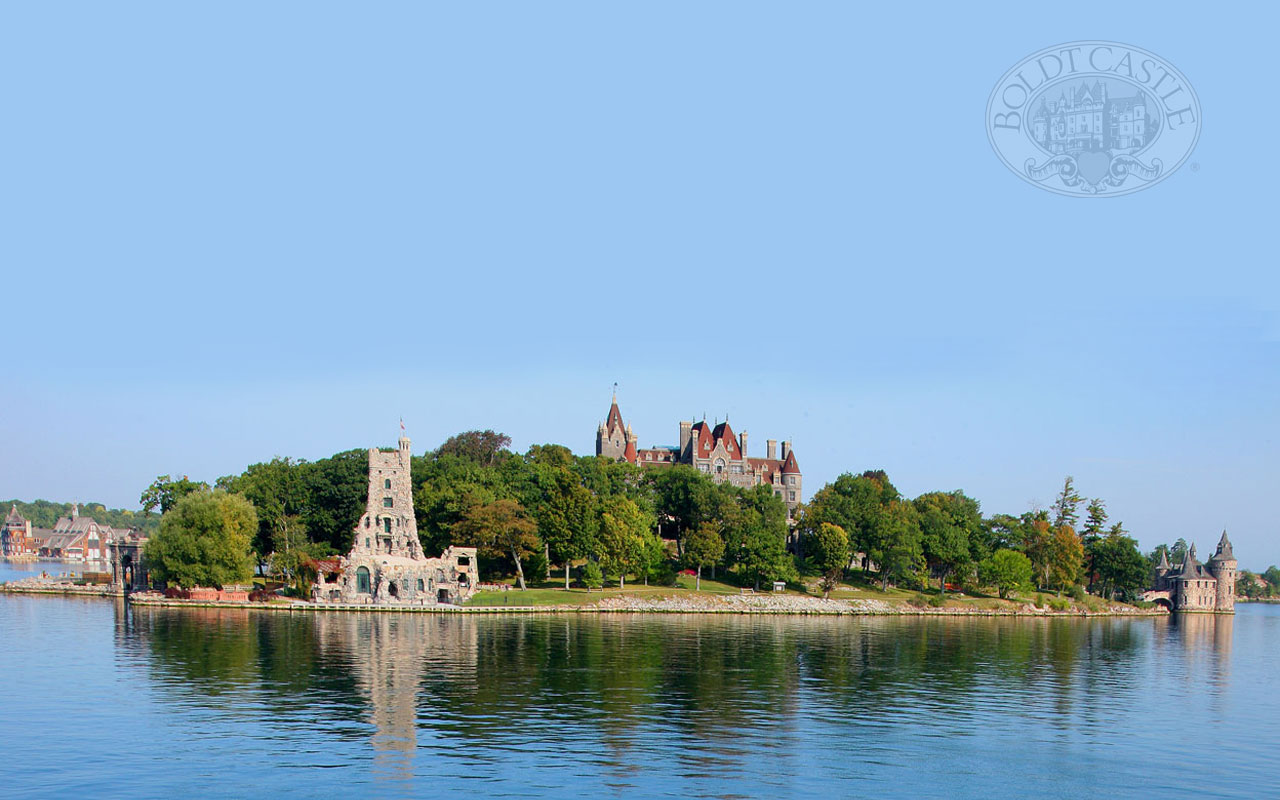
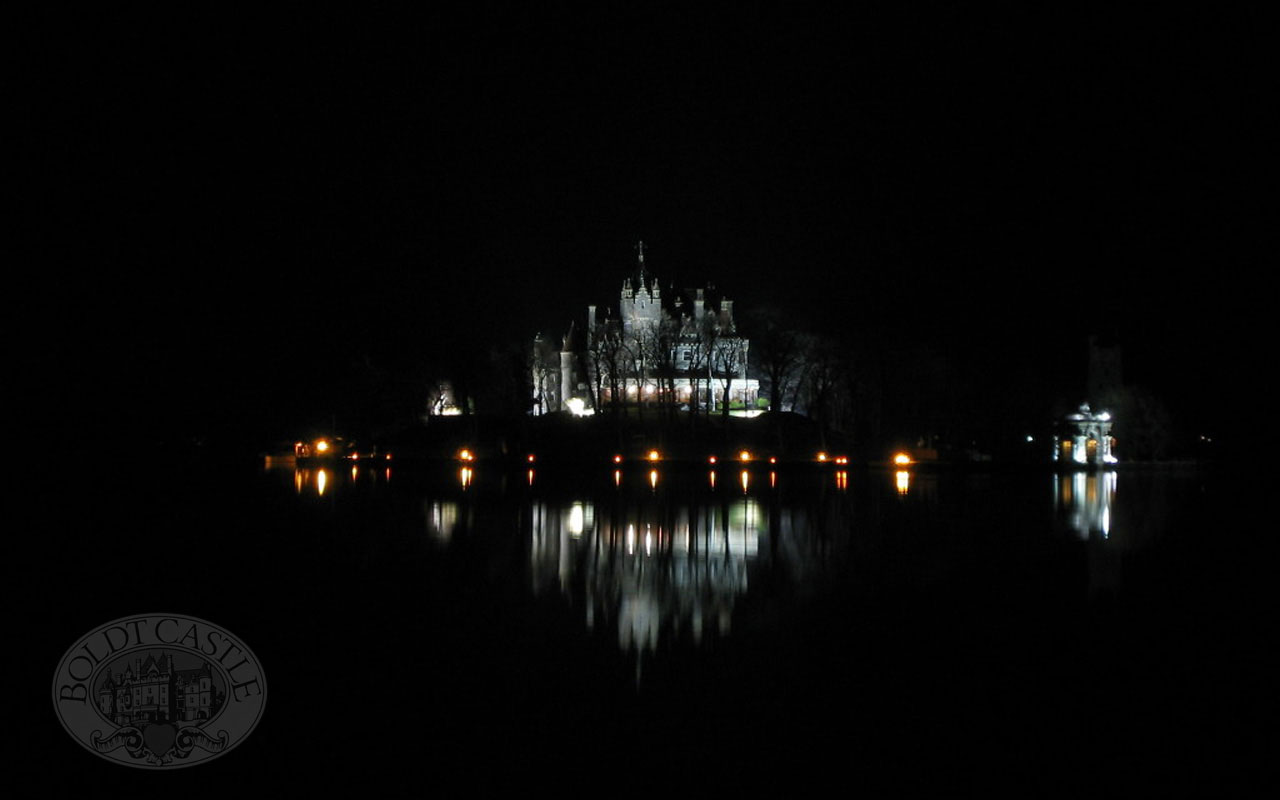

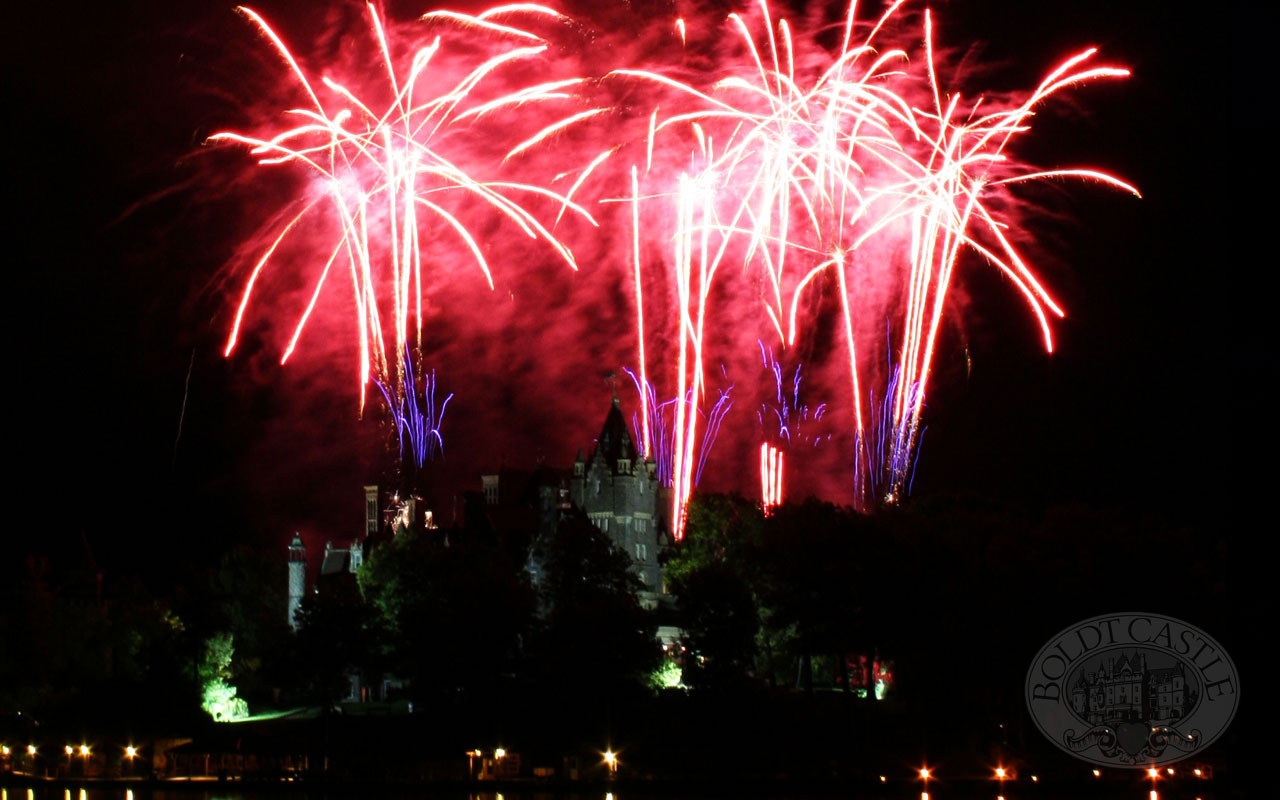

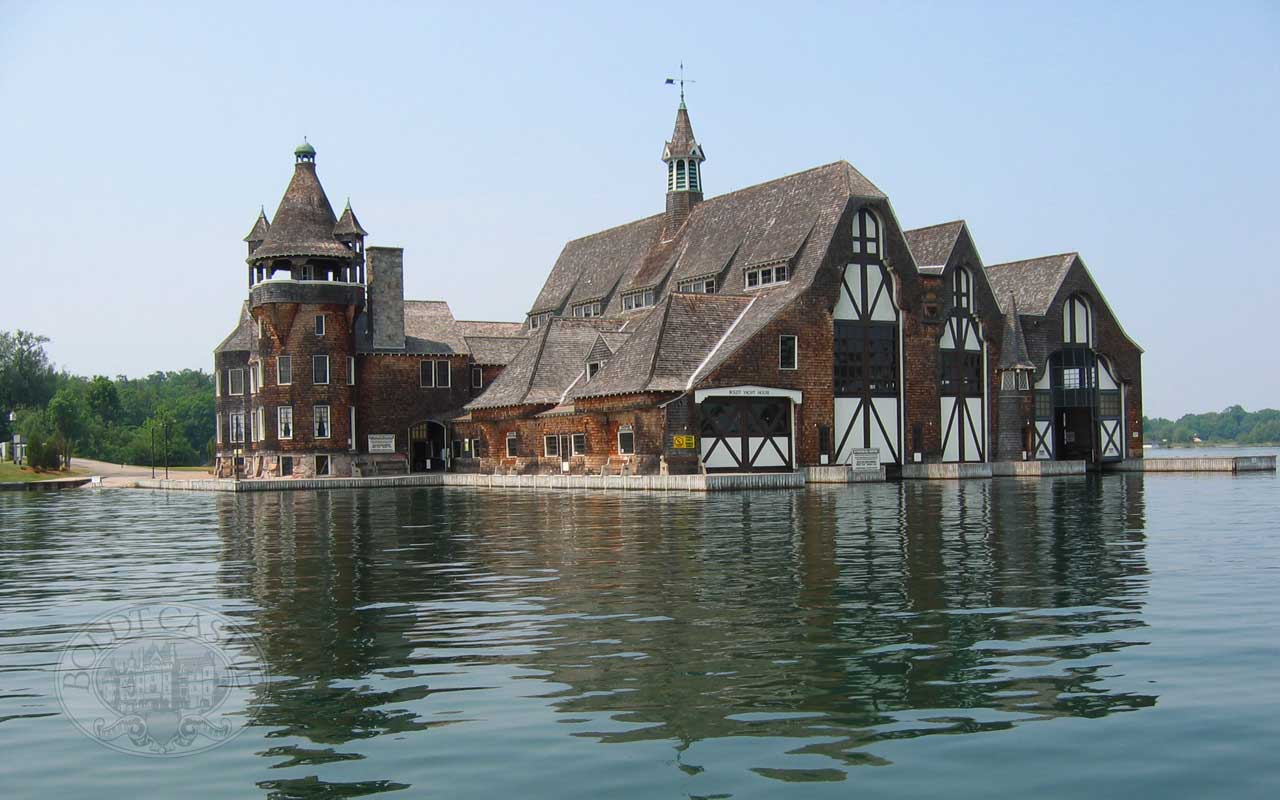
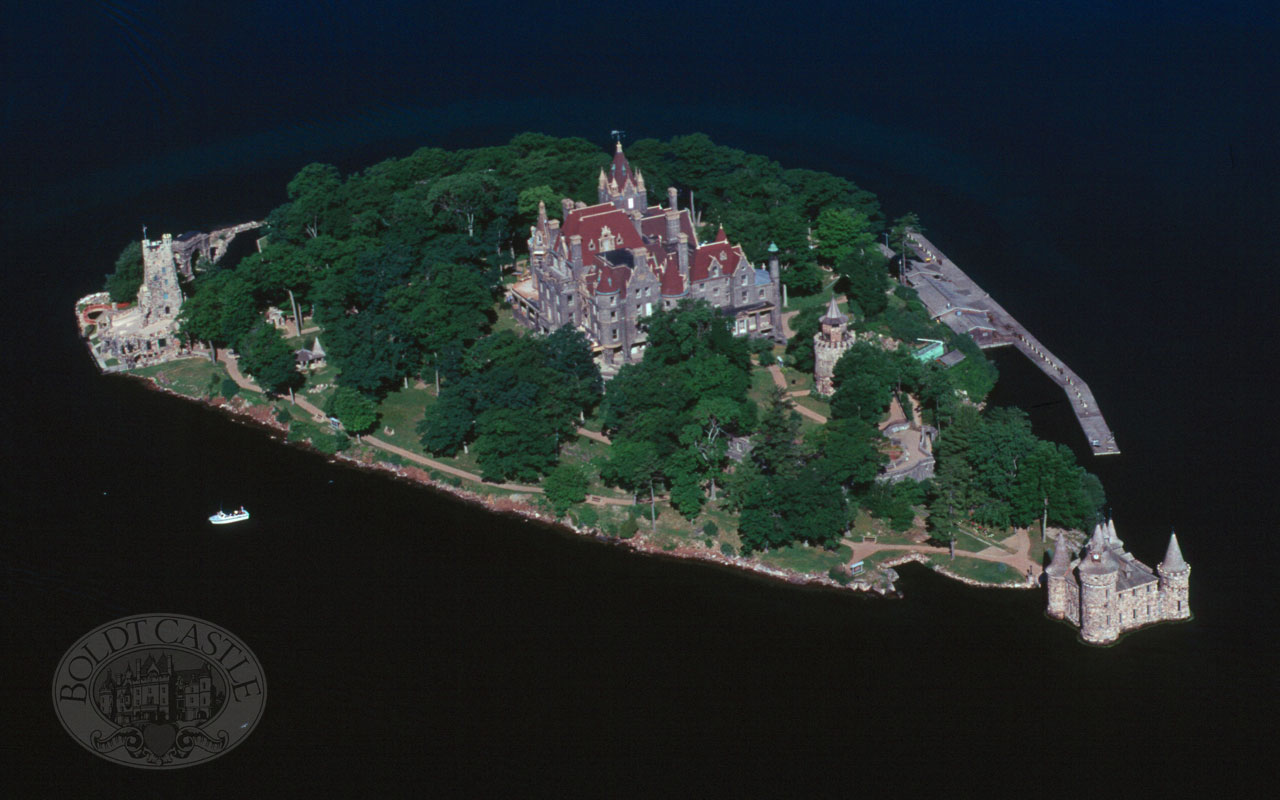
Personal use of Photos: The photos displayed on this website are low resolution and for personal use only. Personal use means non-commercial use of the image(s) The image(s) may not be used in any way whatsoever in which you charge money, collect fees, or receive any form of remuneration. The image(s) may not be used in advertising. The image(s) may not be resold, relicensed, or sub-licensed. Title and ownership, and all rights now and in the future, of and for the image(s) remain exclusively with the photographer.